
Aned Book
Inventory management software
Stock is not a separate register to keep in step. It moves when you bill and when you buy, and the reports read the same documents.
- Fully offline
- GST ready
- One-time purchase
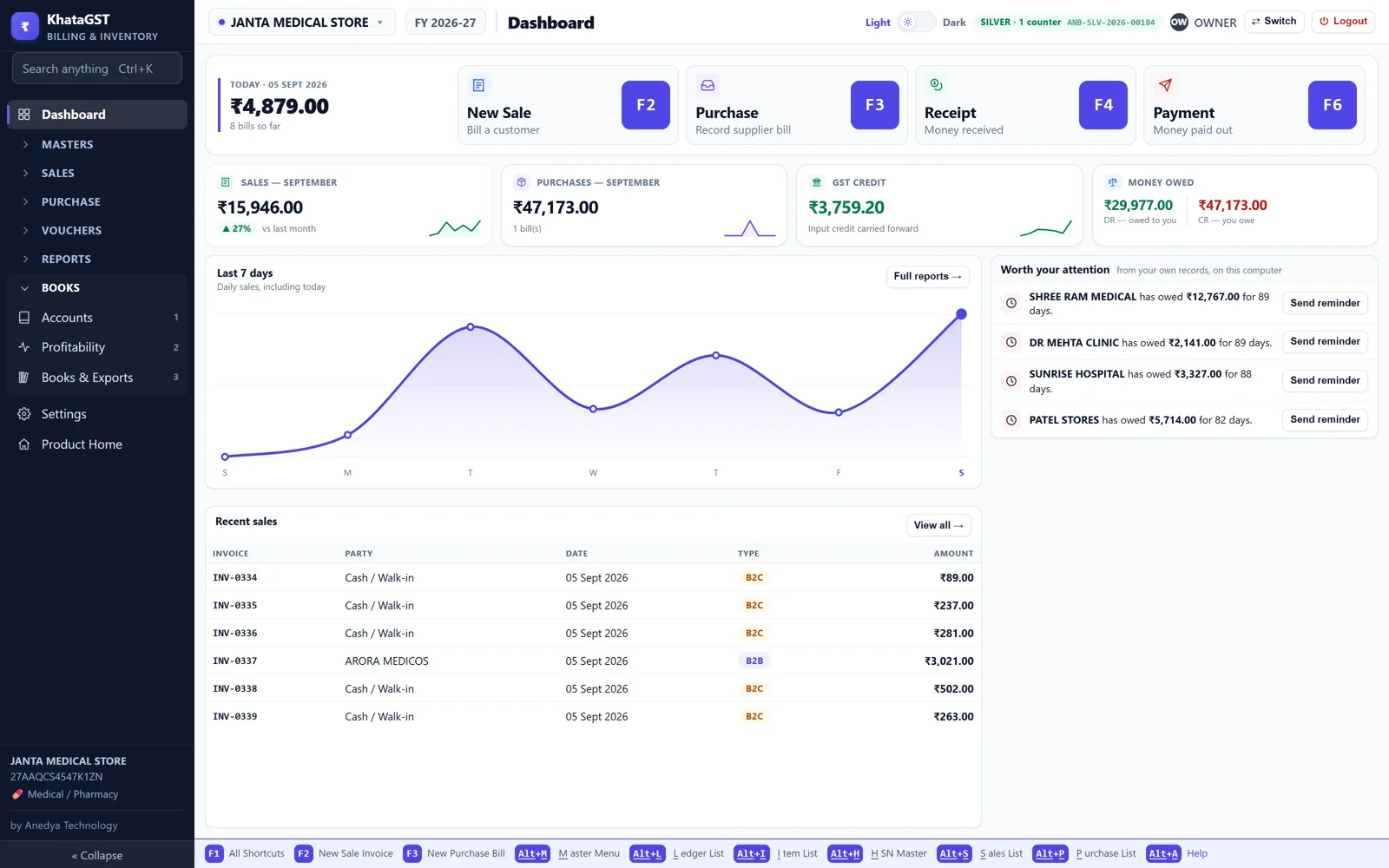
Stock is not a separate register to keep in step. It moves when you bill and when you buy, and the reports read the same documents.
There is no stock register to maintain beside the bills. Every purchase adds, every sale removes, and the stock report and the item ledger are two readings of the same walk — so they cannot disagree with each other, which is the usual complaint about software that keeps stock separately.
A batch carries its own quantity, MRP and expiry. Selling picks the nearest expiry first, so old stock leaves before new. Give a manufacturing date and a shelf life and the expiry works itself out. Expired stock is blocked from a sale rather than warned about.
A batch without an expiry date is still perfectly sellable — plenty of goods are batched and never expire.
Barcodes are yours to enter, and Aned Book prints labels for your own catalogue on sheets or on a roll. Nothing numbers your items behind your back, and two items can never end up sharing one code.
Buy in a box and sell in pieces, or sell 1.5 kg and 2.75 m. The conversion is on the item, so the bill shows what the customer bought and the stock moves in the unit you count in. Quantities are never totalled across different units, because a column adding kilograms to pieces is a number that means nothing.
What is on the shelf and what it is worth; what is at or below its reorder level; what is expiring in the next 90 days and what it is worth; what has not moved; and for any single item, every document that ever touched it.
Yes. Selling removes and purchasing adds — there is no separate stock entry to remember.
Yes, with quantity and MRP per batch, nearest-expiry-first selling, and expired stock blocked from a sale.
Yes, for your own catalogue, on label sheets or a roll printer.
Basic and above. Lite is sale billing only.
Described in the software's own words, so this page cannot promise something the install does not do.
Keep quantity on hand and low-stock alerts.
Group stock into batches with their own quantity and MRP.
Adds expiry to each batch, sells nearest-expiry first, and blocks expired stock.
Record the printed MRP separately from your sale price.
Buy in cartons, sell in pieces — stock converts automatically.
Allow fractional quantities like 1.5 kg or 2.75 m.
Where the item sits on the shelf. Shown on the stock report and searchable, so it can be found and picked.
A pack size per item — 10x10, 1x100ML — shown on the bill line.